How to make a dramatic zoom GIF
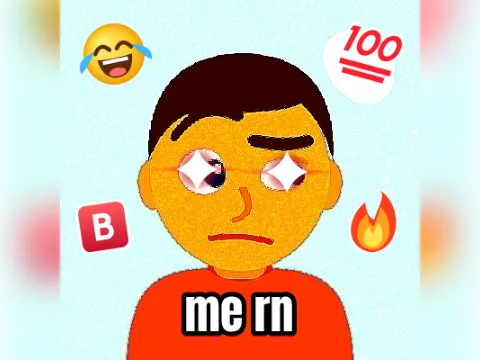
The vine boom zoom is the meme where the camera suddenly slams into someone's face for maximum drama. GIFs have no sound, so this one puts the boom in the picture: a white flash, speed lines rushing to the centre and a shake that settles on a moody close-up.
- Add a photoTap Add your photo. The zoom heads for the middle of the photo slot, so drag the photo until the face is in the middle (use the zoom slider for a wide photo).
- Pick the zoomClose is 1.6×, Closer is 2.2× and Extreme is 3×, for an eyes-only close-up.
- Pick a styleDramatic drains the colour and darkens the edges of the close-up. Clean keeps the photo's colours and uses dark speed lines.
- Add a caption (optional)Type something like “wait what” (up to 24 characters). It pops in with the boom.
- Make my GIFTap Make my GIF. Choose 256 px if you need a smaller file.
When to use it
- Someone in the chat says something suspicious.
- A plot twist in the show you're watching together.
- Your cat, staring at you at 3 a.m.
- The friend who “just has one question” in a group project.
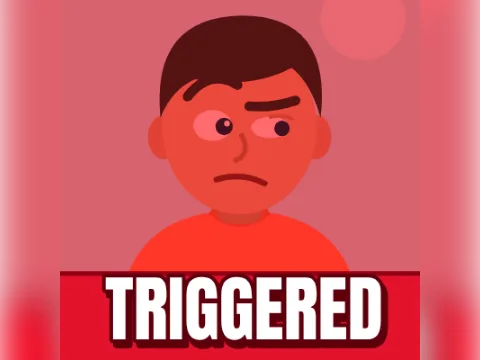
More reactions: the triggered GIF maker for rage, the explosion GIF maker for mind-blown moments, and the deep fried meme maker for chaos.
Why it starts zoomed in
Chat apps and search results show a GIF's first frame as its preview, so this one starts on the dramatic close-up. When it plays, it cuts back to the full photo, holds for a beat, then booms back in. It loops forever.
Your photo is processed in your browser and never uploaded. There's no watermark and no sign-up. More formats are in the GIF templates gallery.