How to make a spinning GIF
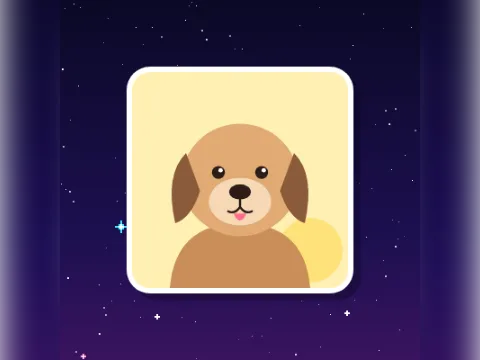
The spinning GIF maker turns your photo into a round sticker (or a rounded square) with a white rim, and spins it one full turn per loop, so it spins forever without a jump.
- Add a photoTap Add your photo. Drag it in its slot to centre the subject and use the slider to zoom in.
- Pick the speed and directionSlow takes about 1.4 seconds per turn, Normal 0.8 seconds and Fast 0.4 seconds. Choose Clockwise or Anticlockwise.
- Pick a shape and sizeCircle or Square (with rounded corners). 128 px is made for Discord emoji, 256 px for chat and 400 px for a big reaction.
- Pick a backgroundClear keeps the corners transparent, which is what you want for emoji and stickers. Or choose white, yellow or ink.
- Make my GIFTap Make my GIF, then download or share it.
Ideas for spinning GIFs
- A spinning cat emoji for your Discord server, at 128 px with a clear background.
- Your logo, spinning slowly, for a loading screen or a slide.
- A friend's face at Fast, for when they've lost the plot.
- A record, a pizza or a coin: anything round looks great as a circle.
Want more motion? The pet-pet GIF maker pats the photo and party mode bounces it through the rainbow. To spin a photo inside the full editor, add it on the GIF maker and choose the Spin effect.
Size and transparency
Every pixel of the photo moves in every frame, so spinning GIFs are bigger than still-background ones. The size shows under the button before you make it. At the time of writing, Discord's custom emoji must be under 256 KB; 128 px usually fits easily.
GIF transparency is on or off for each pixel, so the edge of a clear-background GIF can look slightly jagged on some backgrounds. The white rim hides most of that. Your photo is never uploaded, and there's no watermark.