How to make a triggered GIF
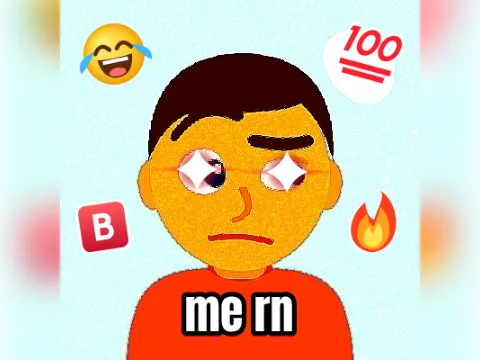
The triggered meme is a photo shaking uncontrollably, tinted red, with a caption bar underneath. This triggered GIF maker draws the whole thing for you: the shake, the tint and the bar.
- Add a photoTap Add your photo and choose who's triggered. A face that fills most of the picture reads best, especially at emoji size. Drag the photo in its slot to move it, and use the slider to zoom.
- Change the bar text (optional)The Bar text says TRIGGERED. Type your own (up to 14 characters; it's always shown in capitals), or clear it and the photo fills the whole frame.
- Pick the shakeMild is a gentle rumble, Normal is the classic meme and Extreme shakes harder and faster.
- Pick a size128 px is made for Discord emoji, 256 px suits chat reactions and 400 px is best when the GIF is the whole message.
- Make my GIFTap Make my GIF, then download it or share it from your phone.
When to send it
- Someone in the group chat says pineapple belongs on pizza.
- Your friend's avatar, right after they lose a ranked match.
- Your cat, the moment the vacuum comes out.
- Yourself, when the teacher says “pop quiz”.
- The team mascot after a referee's call goes the wrong way.
For a calmer reaction, the pet-pet GIF maker gives the same photo a headpat. When shaking isn't enough, the explosion GIF maker blows it up, and the vine boom zoom gives it a dramatic close-up.
Using a triggered GIF as a Discord emoji
Pick 128 px before you make it. At the time of writing, Discord's animated custom emoji have to be under 256 KB, and 128×128 is their standard size. The line under the button shows the file size before you make the GIF, with a “fits Discord” note when it's under Discord's upload limit.
Because the whole picture moves in every frame, a triggered GIF is bigger than most templates of the same size. At 128 px it usually stays well under 256 KB; a detailed 400 px photo comes out at a few hundred KB, which is still fine for chat.
Your photo is processed in your browser and never uploaded, so you can make one of a friend's avatar without it landing on anyone's server. More reaction formats are in the GIF templates gallery.