How to make a rainbow party GIF
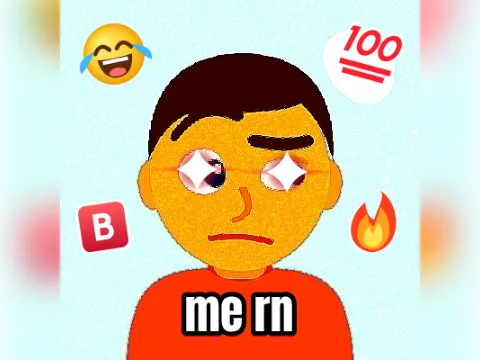
This rainbow GIF maker turns your photo into five flat tones, like a screen print, then cycles their colours all the way round the rainbow while the picture bobs to a beat. Confetti falls on top.
- Add a photoTap Add your photo. Faces and pets with a plain background give the clearest print. Drag the photo in its slot to move it and use the slider to zoom.
- Pick the speedChill cycles slowly, Party is the default and Rave flashes fast.
- Confetti and captionTurn Confetti on or off, and add an optional Caption like “let's go” (up to 20 characters), drawn in a colour that cycles with the photo.
- Pick a size128 px for Discord emoji, 256 px for chat and 400 px for a big reaction. Then tap Make my GIF.
When it's party time
- Friday, 5 p.m., in the team chat.
- Your team just won, and the server needs a celebration emoji.
- A birthday: pair it with the happy birthday GIF maker.
- Your dog when you pick up the leash.
For other moving photos, the spinning GIF maker turns it round and round, and glitter text adds sparkly words.
Flashing and file size
The colours change in every frame. Rave goes round the rainbow about twice a second, which stays under the common safety limit of three flashes a second but can still be uncomfortable for people sensitive to flashing, so choose Chill when you're not sure who will see it.
Flat colours keep the file small even though the whole picture changes, so a 256 px party GIF is usually a few hundred KB or less; the exact size shows under the button. Your photo is never uploaded and there's no watermark.